blazepilot

BlazePilot
🌐 English • 🇪🇸 Español
File explorer made with Egui in Rust.
BlazePilot was born as a personal project. I was tired of the limitations of the explorers I used daily, so I started developing it as a way to practice Rust while learning, adapting it to my own needs.
BlazePilot is a modern and customizable file manager. Navigate through your files smoothly, incorporates a tag system to organize files, support for multiple languages, thumbnails, partial Git support, disk management and more.
[!IMPORTANT] Currently BlazePilot is compatible with Linux. Support for Windows and macOS is under development.






Features
Performance
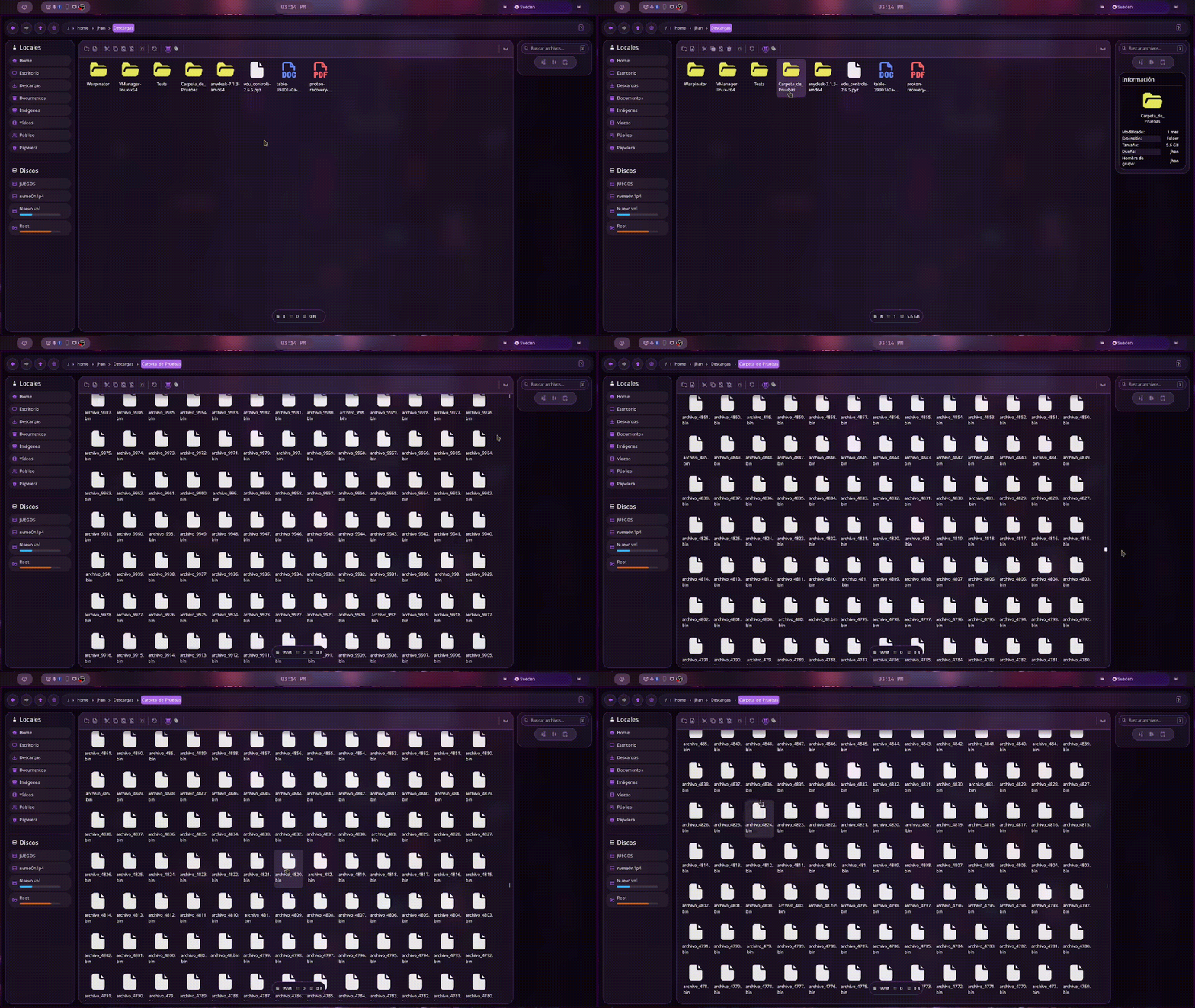
- Fast asynchronous file loading
- Thumbnails and directory size calculation in the background
- Tokio async runtime to run file operations without blocking the interface
- mimalloc memory allocator
File operations
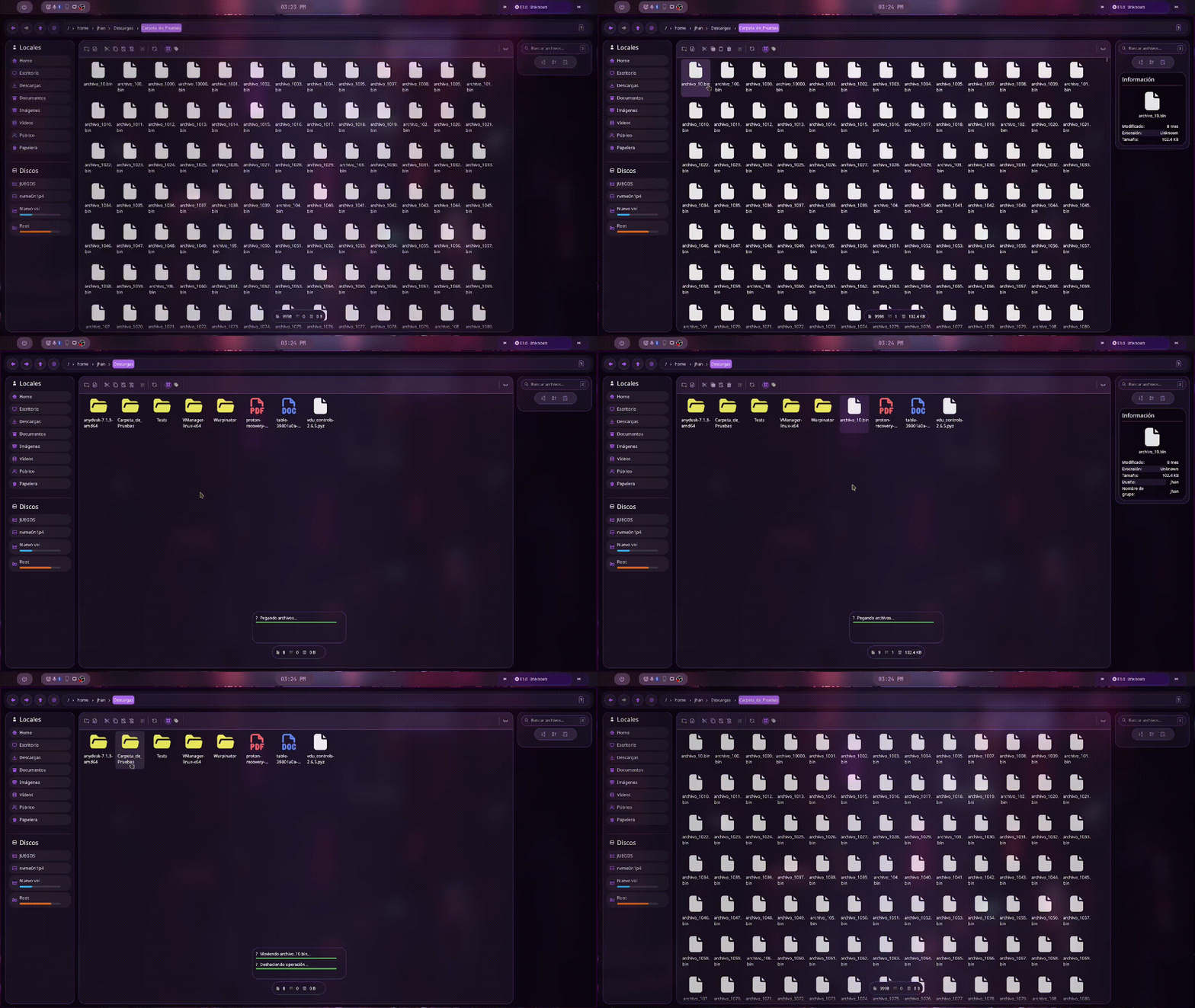
- Copy, paste, cut managed by a custom global clipboard
- Renaming preserves original casing
- Delete with system trash support
- Create files and folders
- Move with drag & drop within the app
- Undo file operations with Ctrl + Z
- Basic support for extracting ZIP and other formats directly from the explorer
Drag & Drop (Wayland)
- Native support for drag & drop on Wayland
- Content type detection using MIME and magic bytes
- Accepts files, text, images and URLs
- Dragged files, images and text are saved directly to the current directory
- Image URLs offer to download them
- Web page URLs can be opened in the browser
[!NOTE] When dragging data from another application, Blaze does not rely solely on the announced MIME type. It inspects the magic bytes of the content to correctly identify images, videos, text, URLs and other formats before deciding how to process them.

Navigation and search
- Tab navigation Ctrl + <- / Ctrl + -> / Ctrl + Nums
- Recursive search with the prefix rec: in the search box
- Instant search while typing to filter in the current directory
Tag / quick access system
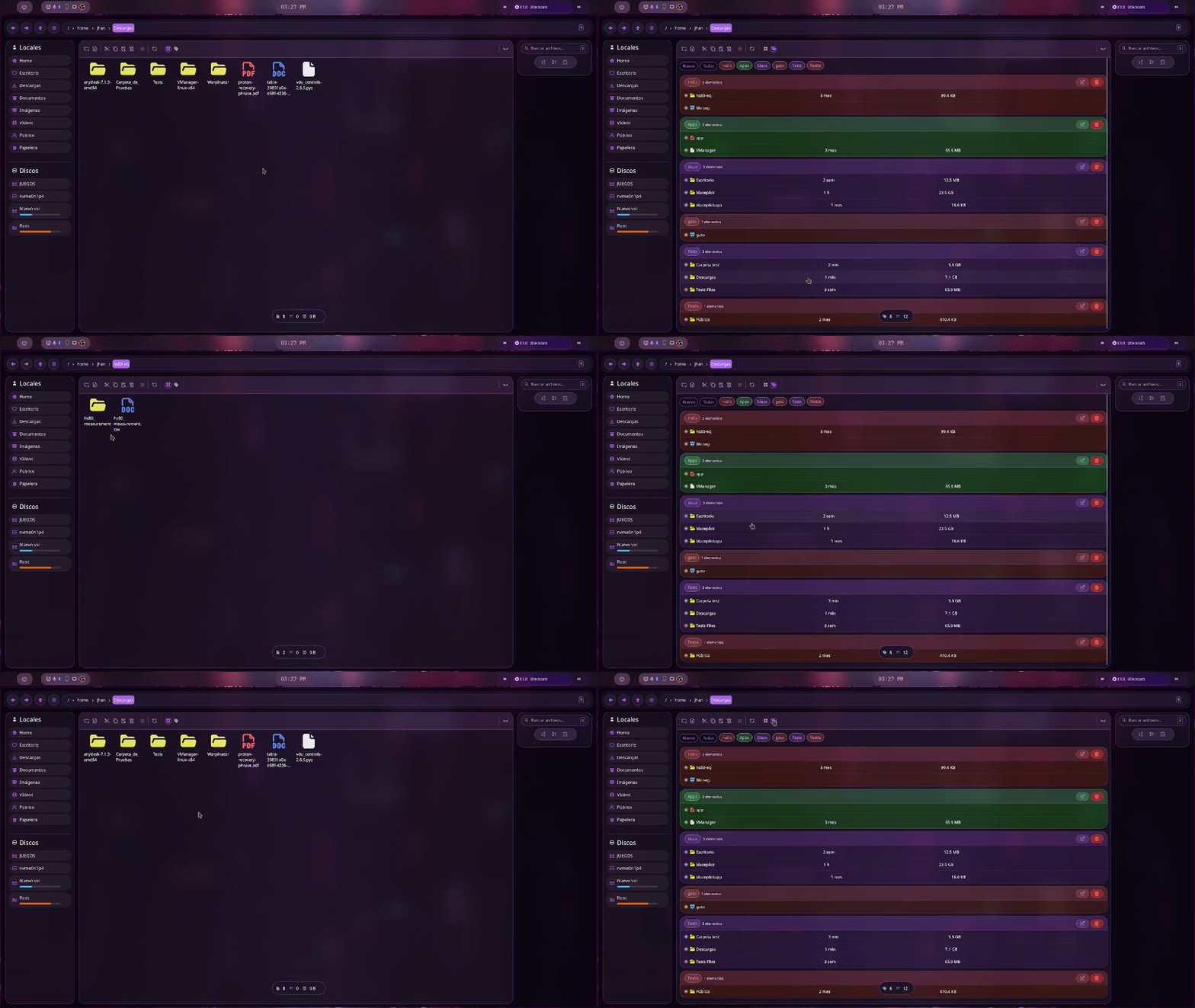
- Tags that allow organization by types
- Toggle tags/normal view with Ctrl+T
- Create tag with Ctrl + Shift + T
Interface and customization
- Customizable folder colors
- Thumbnails with persistent disk cache
- Icons with SVG rasterization and concurrency semaphore
- Centralized color palette and rounded borders
- Image preview in dedicated dialog
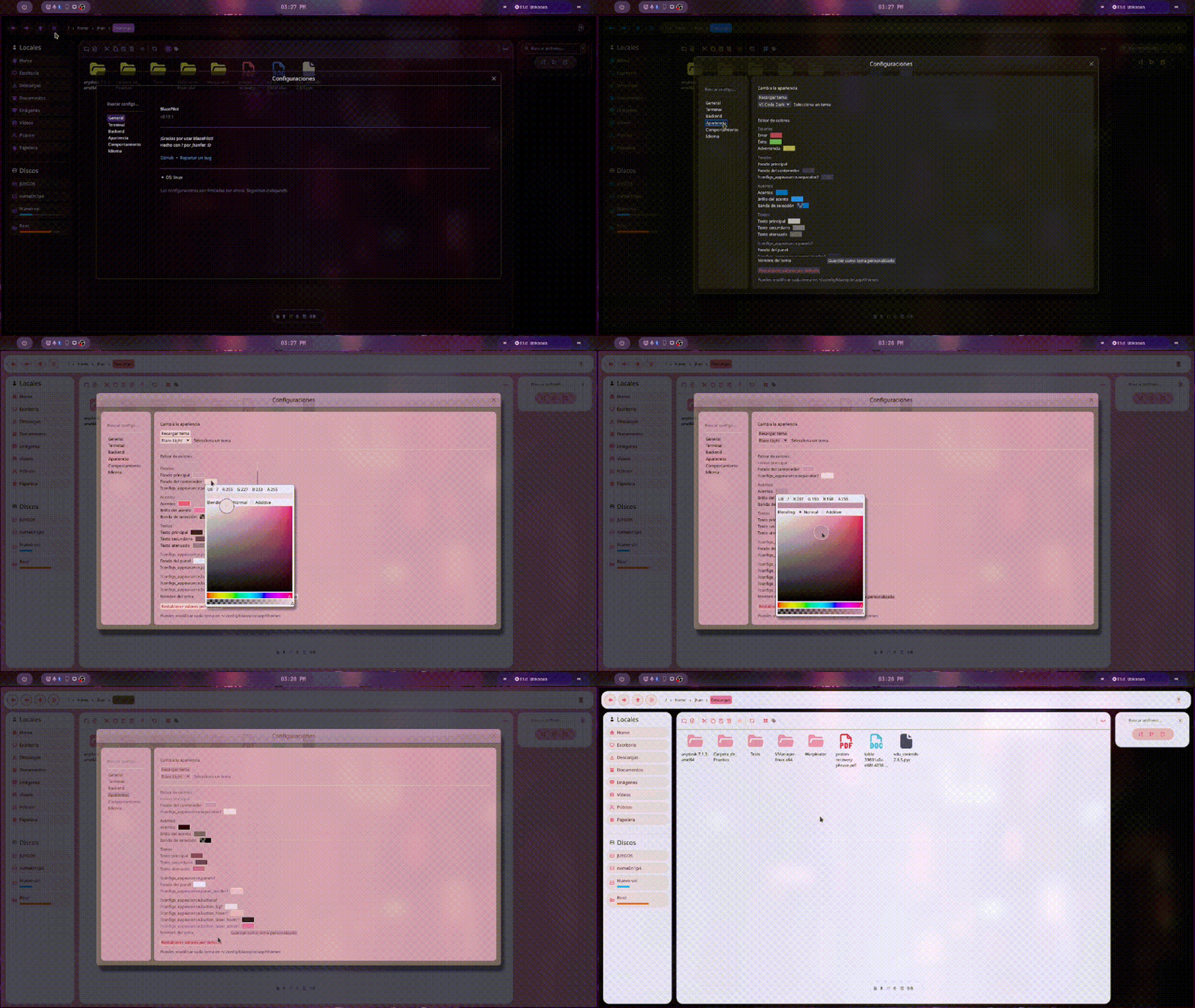
Internationalization
- 6 languages: English, Spanish, French, German, Italian, Russian
- Runtime language switching without restarting
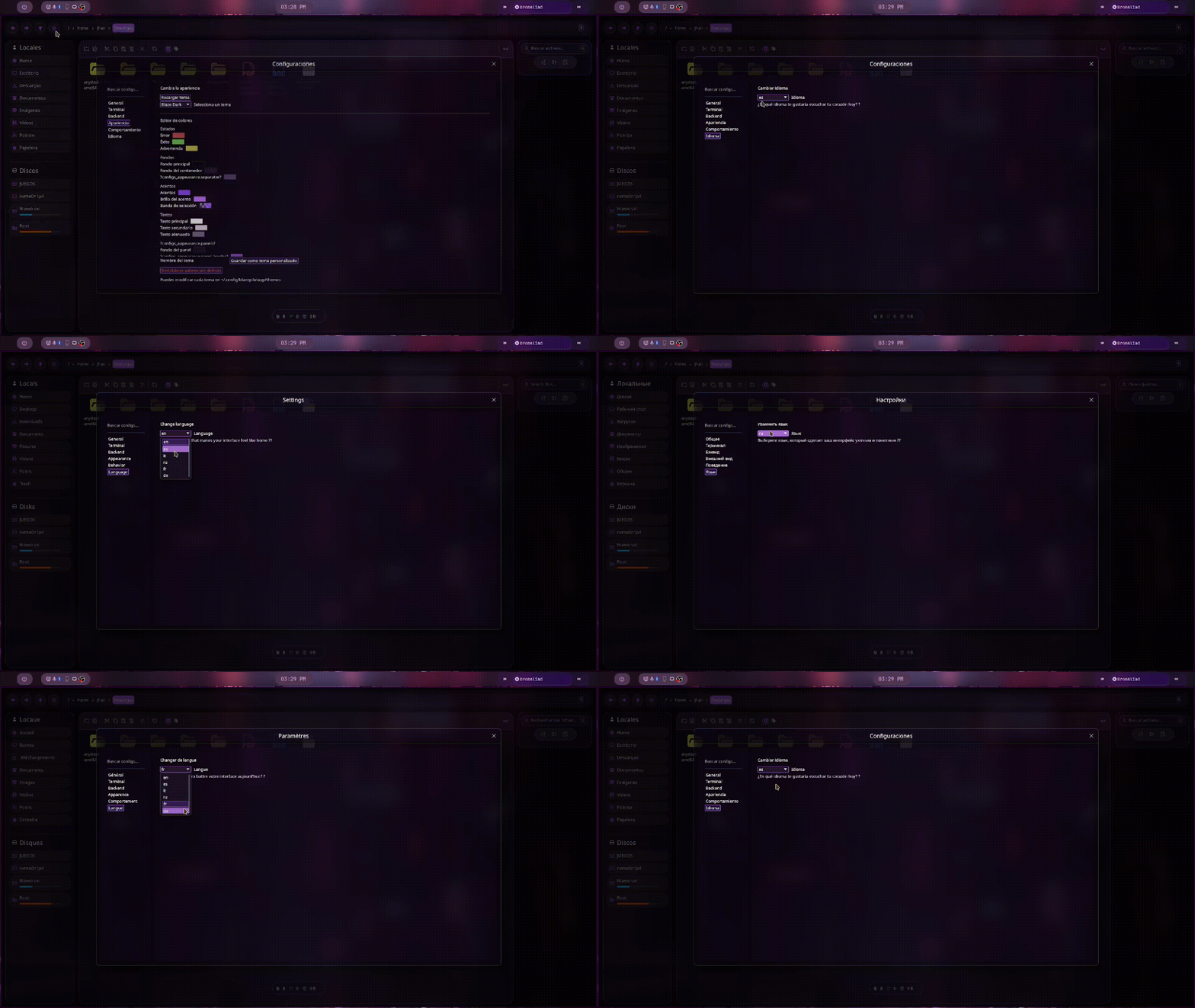
System Management and Integration
- Open with… launches an application picker based on MIME type
- Open terminal from any folder
- Disk management with mounting and unmounting
- Git integration that reads file statuses from a local repository
- Automatic updates with new version notification
- File identifier with persistent File ID
- Offers to install if not already installed
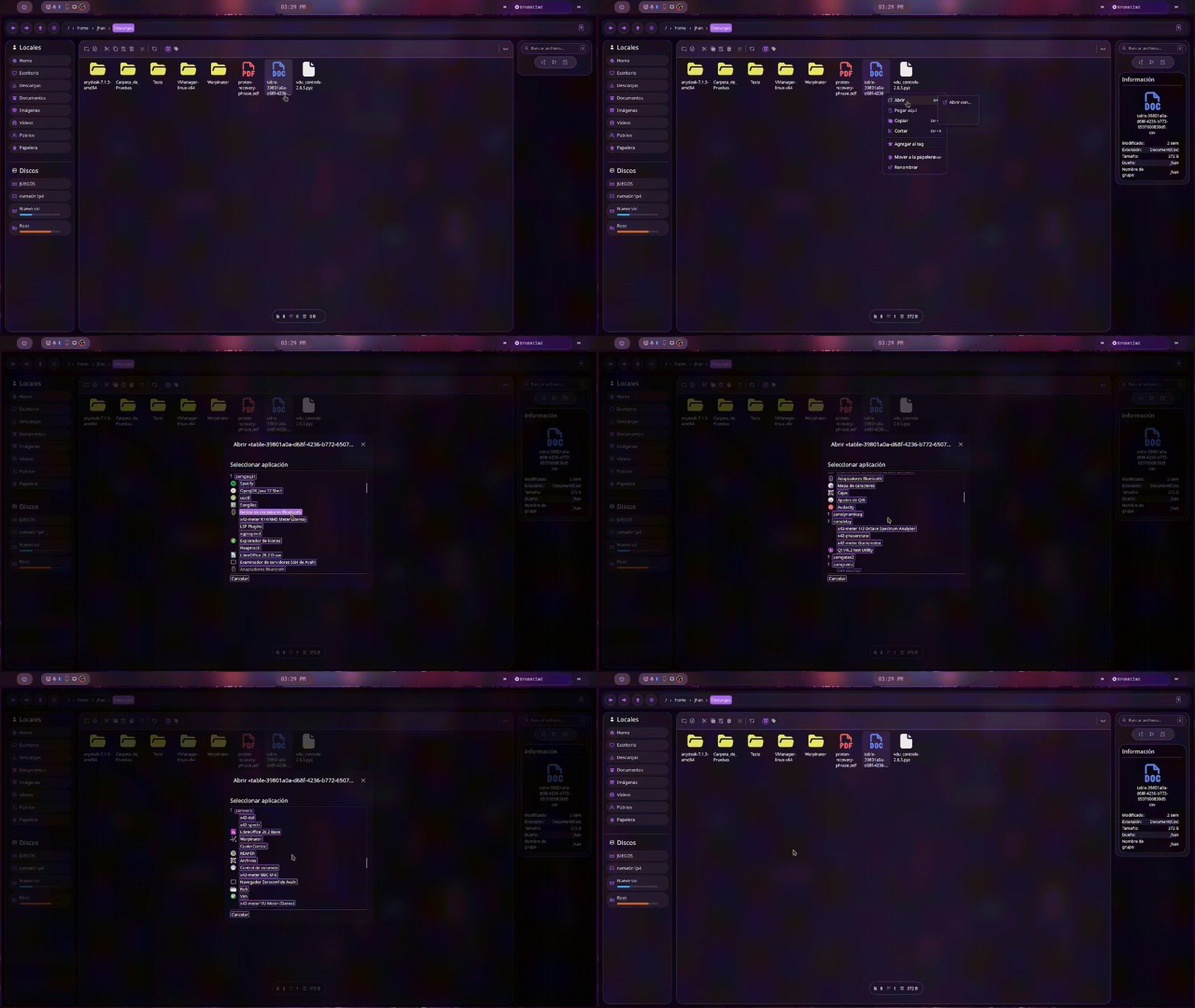
Keyboard shortcuts
Navigation
| Shortcut | Action |
|---|---|
↑ / ↓ |
Select previous or next item |
Enter |
Open selected folder or file |
Cmd + A |
Select all |
F5 / Cmd + R |
Reload / refresh |
| Mouse button Extra1 | Navigate back |
| Mouse button Extra2 | Navigate forward |
File operations
| Shortcut | Action |
|---|---|
Delete |
Move to trash (delete if already in trash) |
Ctrl + Z |
Undo last operation |
Cmd + C |
Copy |
Cmd + X |
Cut |
Cmd + V |
Paste |
Cmd + Shift + N |
Create new folder |
Cmd + Shift + F |
Create new file |
Search and view
| Shortcut | Action |
|---|---|
Alt + R |
Activate recursive search |
Ctrl + T |
Toggle tags / normal view |
Ctrl + Shift + T |
Create new tag |
Terminal
| Shortcut | Action |
|---|---|
Alt + T |
Open terminal in current directory |
Tabs
| Shortcut | Action |
|---|---|
Cmd + N |
New tab |
Cmd + W |
Close current tab |
Ctrl + Tab / Ctrl + -> |
Next tab |
Ctrl + Shift + Tab / Ctrl + <- |
Previous tab |
Ctrl + 1 … Ctrl + 5 |
Go to tab 1–5 |
Renaming and file creation
| Shortcut | Action |
|---|---|
Enter |
Confirm rename / create folder or file |
Escape |
Cancel rename / create folder or file |
Installation
BlazePilot is distributed as a single binary. Just download and run it:
[!NOTE] BlazePilot uses
wgpuas eframe’s renderer, so it requires a system with compatible graphics support (Vulkan on most Linux distributions).
- Go to the Releases page
- Download the binary for your system (currently Blaze is only compatible with Linux)
[!IMPORTANT] Starting with version 0.18.0, BlazePilot requires:
- ALSA for audio output:
- Arch Linux / Manjaro:
sudo pacman -S alsa-lib - Ubuntu / Debian:
sudo apt install libasound2 - Fedora:
sudo dnf install alsa-lib
- Arch Linux / Manjaro:
- ALSA for audio output:
- Give it execution permissions:
chmod +x blazepilot-x86_64-unknown-linux-gnu-vX.X.X
- Run it!
./blazepilot-x86_64-unknown-linux-gnu-vX.X.X
Build from source
git clone https://github.com/Jhanfer/blazepilot.git
cd blazepilot
cargo run --bin blazepilot
[!NOTE] Build Requirements
- Rust nightly
- Cargo
- Meson
- Ninja
- NASM
- YASM
- pkg-config
- OpenSSL (
libssl-dev)- ALSA (
libasound2-dev)- FFmpeg development libraries (
libavutil,libavcodec,libavformat,libswscale,libavfilter,libswresample)- dav1d (
libdav1d-dev)- Development libraries for:
- X11 (
libx11-dev)- XKB (
libxkbcommon-dev,libxkbcommon-x11-dev)- Wayland (
libwayland-dev)- OpenGL / EGL / GLES (
libgl1-mesa-dev,libegl1-mesa-dev,libgles2-mesa-dev)- Vulkan (
libvulkan-dev)- D-Bus (
libdbus-1-dev)
Alternative method with Docker
git clone https://github.com/Jhanfer/blazepilot.git
cd blazepilot
docker build --no-cache --target builder --output type=local,dest=./target/docker .
The binary is in ./target/docker/artifact/release/blazepilot.
Project status
BlazePilot is in active development. Although it is already usable, some features continue to evolve and compatibility with Windows and macOS is still under development.
Roadmap
- Full and native support for Windows and macOS
- Complete and configurable themes (still WIP)
- Plugins or extensions
License
This project is licensed under the Apache License 2.0. See the LICENSE file for more details.
Do you like BlazePilot?
Give the repo a ⭐ and help me grow!
Made with ❤️ by Jhanfer”