
BlazePilot
🌐 English • 🇪🇸 Español
File explorer made with Egui in Rust.
*BlazePilot was born as a personal project. I was tired of the limitations of the explorers I used daily, so I started developing it as a way to practice Rust while learning, adapting it to my own needs.*
BlazePilot is a modern and customizable file manager. Navigate through your files smoothly, incorporates a tag system to organize files, support for multiple languages, thumbnails, partial Git support, disk management and more.
> [!IMPORTANT]
> Currently BlazePilot is compatible with Linux. Support for Windows and macOS is under development.






---
## Features
### Performance
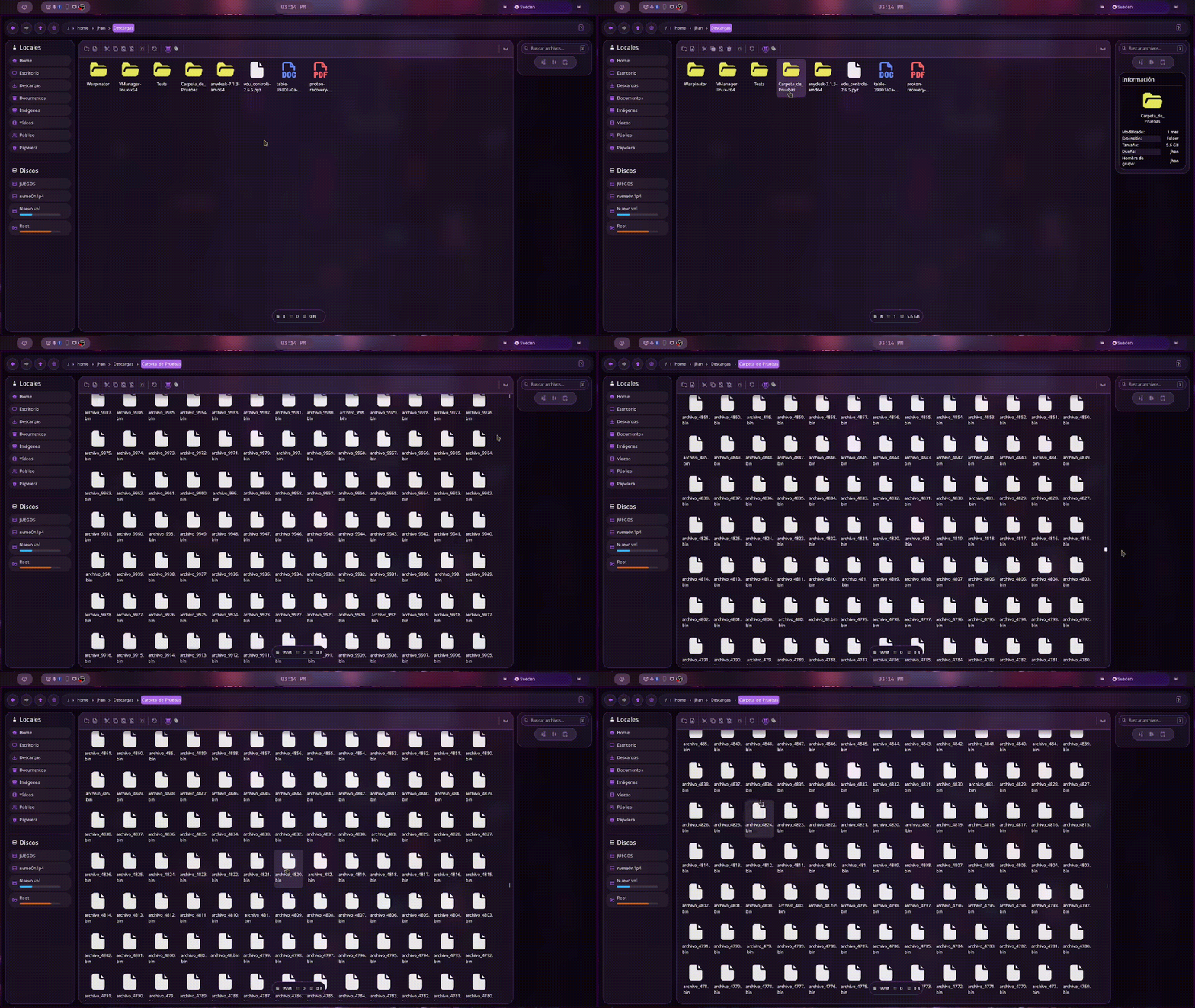
- Fast asynchronous file loading
- Thumbnails and directory size calculation in the background
- **Tokio** async runtime to run file operations without blocking the interface
- **mimalloc** memory allocator
### File operations
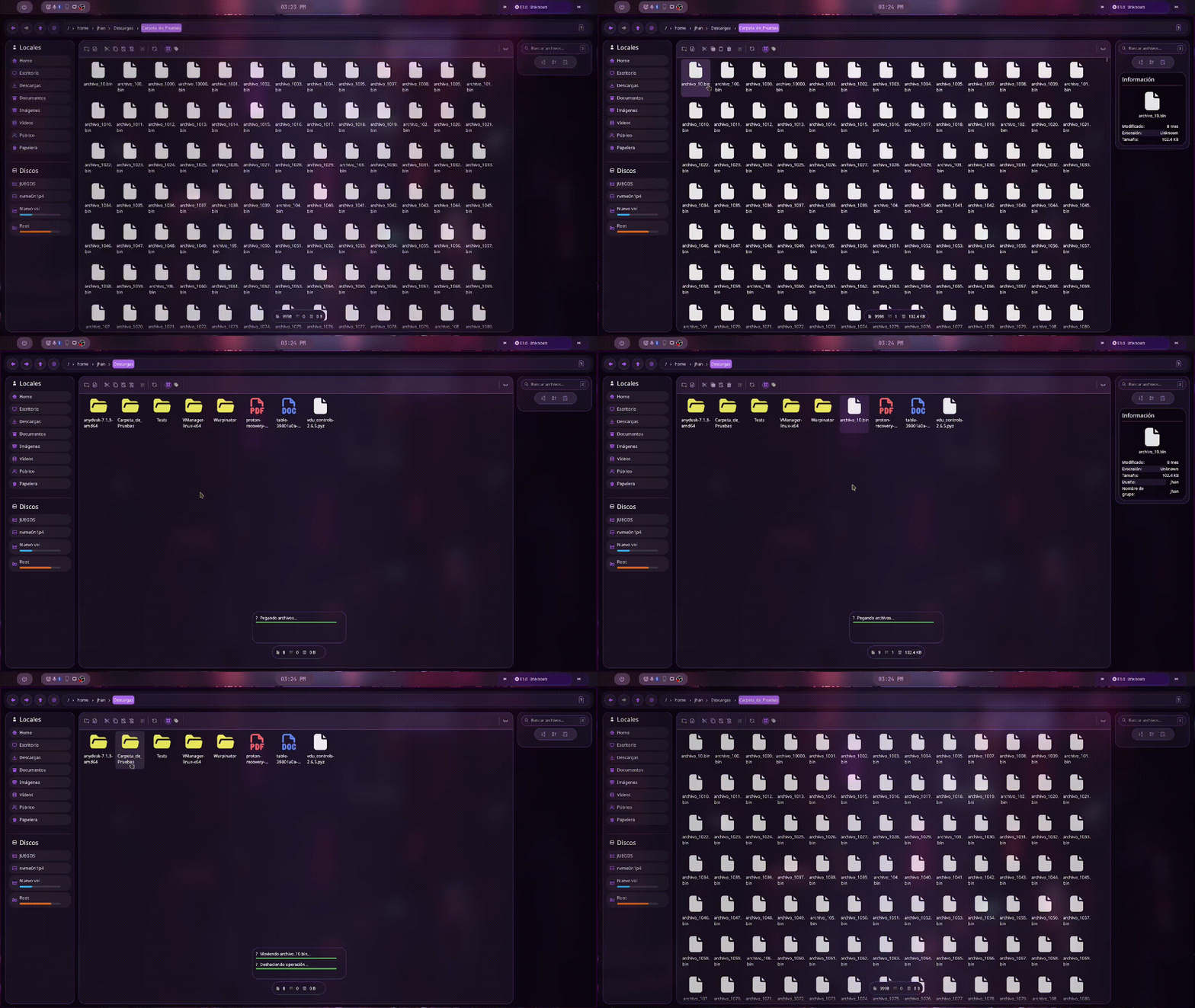
- Copy, paste, cut managed by a custom global clipboard
- Renaming preserves original casing
- Delete with system trash support
- Create files and folders
- Move with drag & drop within the app
- Undo file operations with **Ctrl + Z**
- Basic support for extracting ZIP and other formats directly from the explorer
### Drag & Drop (Wayland)
- Native support for drag & drop on Wayland
- Content type detection using MIME and magic bytes
- Accepts files, text, images and URLs
- Dragged files, images and text are saved directly to the current directory
- Image URLs offer to download them
- Web page URLs can be opened in the browser
>[!NOTE]
When dragging data from another application, Blaze does not rely solely on the announced MIME type. It inspects the _magic bytes_ of the content to correctly identify images, videos, text, URLs and other formats before deciding how to process them.

### Navigation and search
- Tab navigation **Ctrl + <- / Ctrl + -> / Ctrl + Nums**
- Recursive search with the prefix **rec:** in the search box
- Instant search while typing to filter in the current directory
### Tag / quick access system
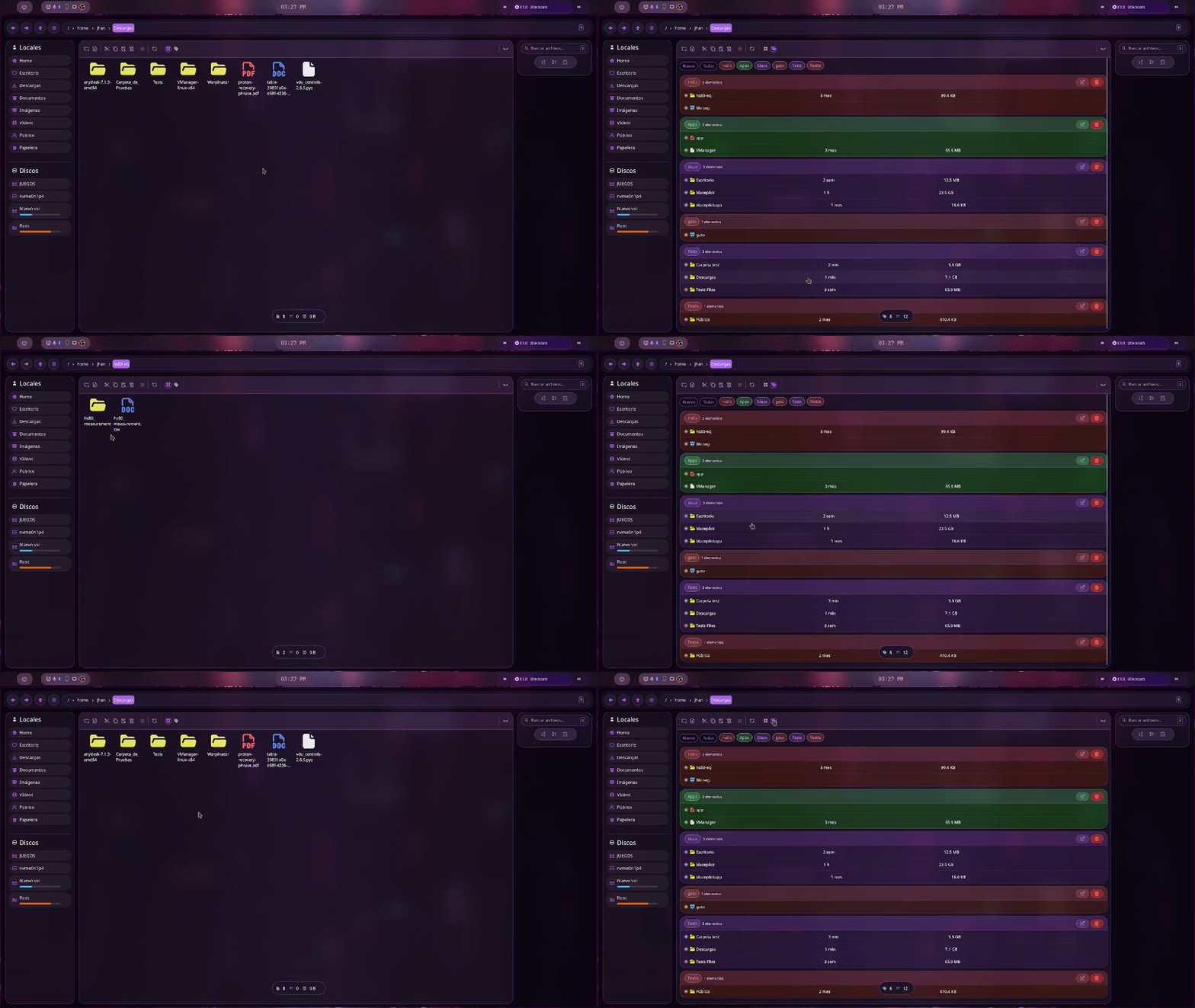
- Tags that allow organization by types
- Toggle tags/normal view with **Ctrl+T**
- Create tag with **Ctrl + Shift + T**
### Interface and customization
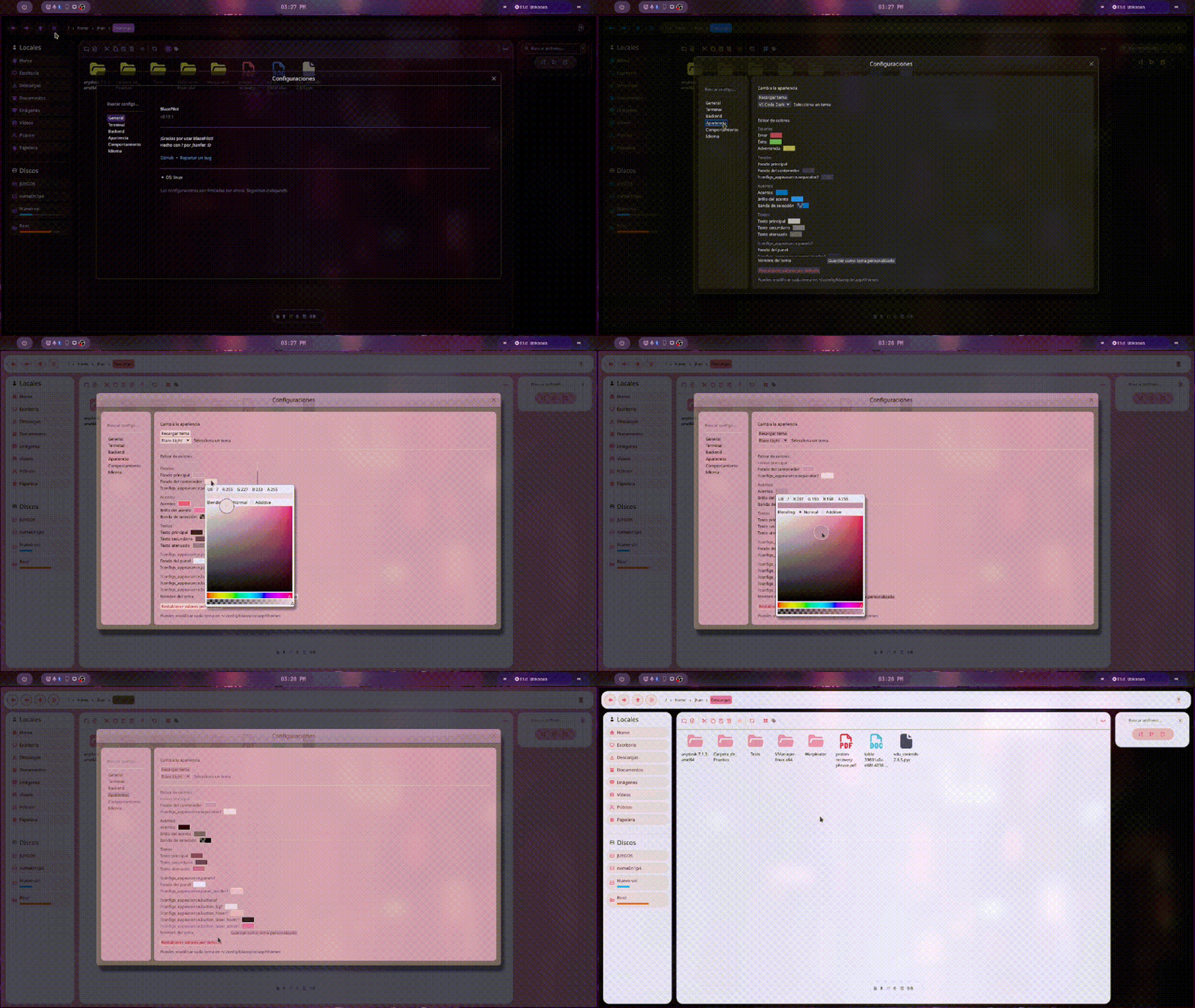
- Customizable folder colors
- Thumbnails with persistent disk cache
- Icons with SVG rasterization and concurrency semaphore
- Centralized color palette and rounded borders
- Image preview in dedicated dialog
### Internationalization
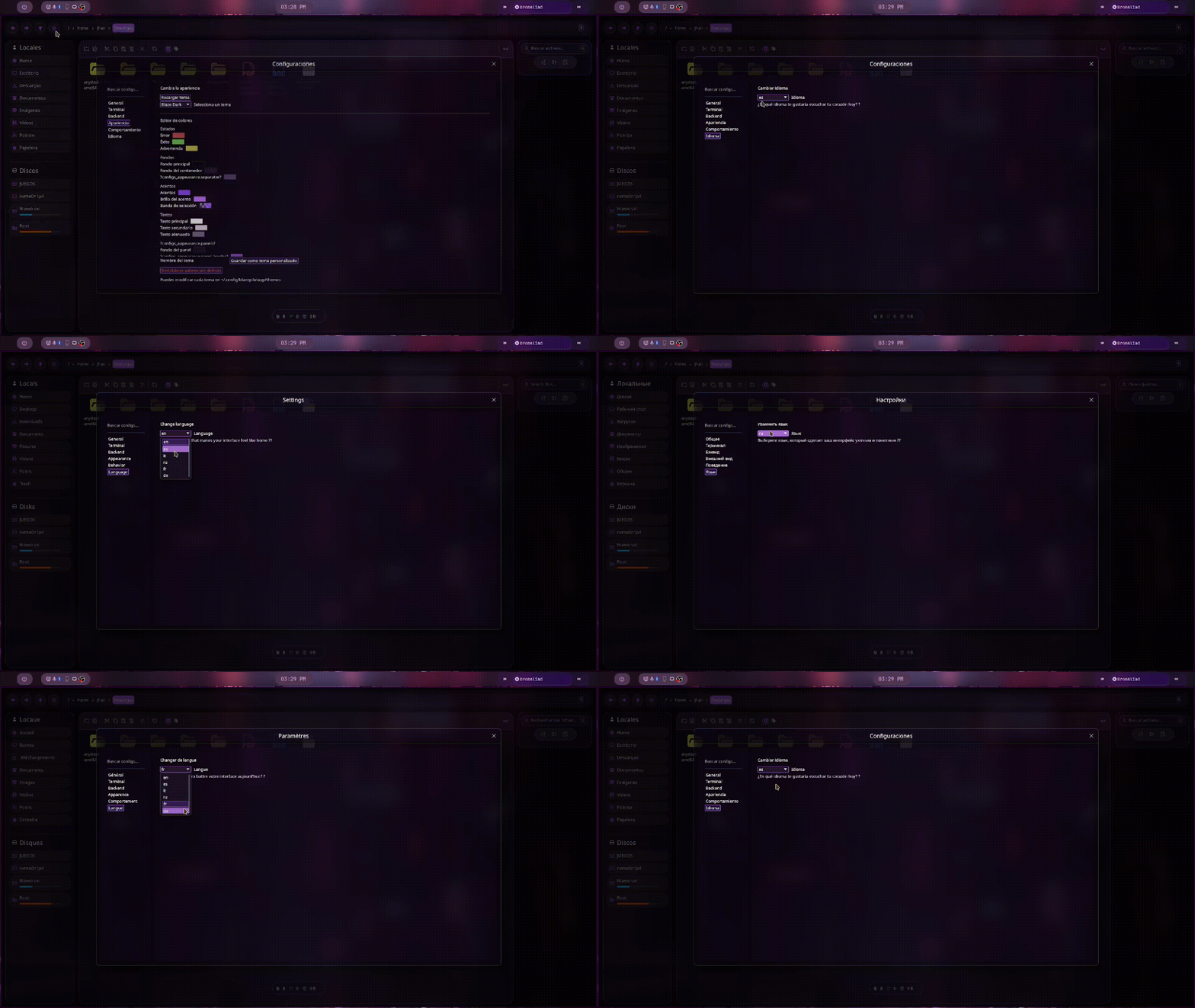
- **6 languages**: English, Spanish, French, German, Italian, Russian
- Runtime language switching without restarting
### System Management and Integration
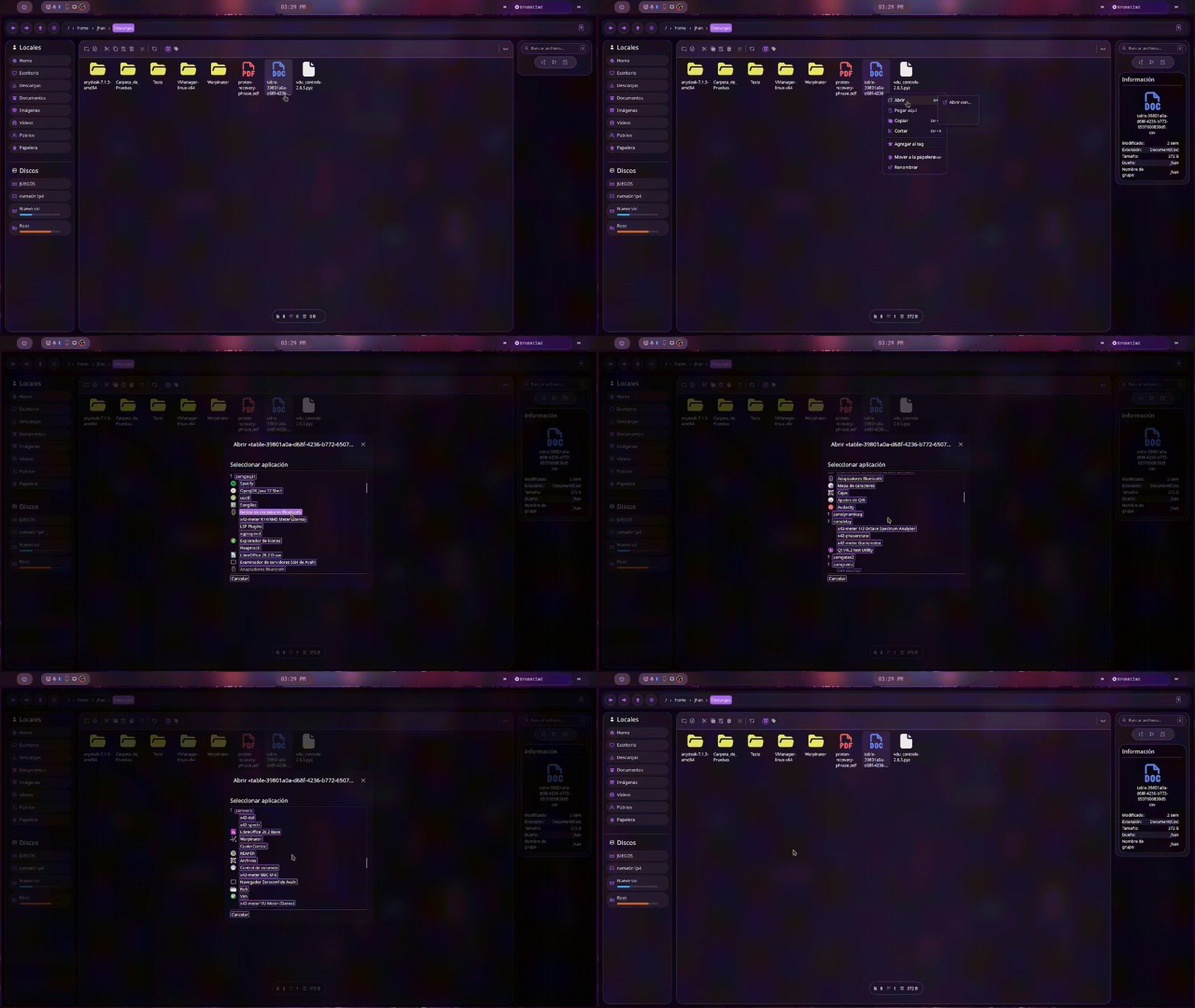
- *Open with...* launches an application picker based on MIME type
- Open terminal from any folder
- Disk management with mounting and unmounting
- Git integration that reads file statuses from a local repository
- Automatic updates with new version notification
- File identifier with persistent File ID
- Offers to install if not already installed
---
## Keyboard shortcuts
### Navigation
| Shortcut | Action |
| :------------------ | :--------------------------- |
| `↑` / `↓` | Select previous or next item |
| `Enter` | Open selected folder or file |
| `Cmd + A` | Select all |
| `F5` / `Cmd + R` | Reload / refresh |
| Mouse button Extra1 | Navigate back |
| Mouse button Extra2 | Navigate forward |
### File operations
| Shortcut | Action |
| :---------------- | :--------------------------------------------------------- |
| `Delete` | Move to trash (delete if already in trash) |
| `Ctrl + Z` | Undo last operation |
| `Cmd + C` | Copy |
| `Cmd + X` | Cut |
| `Cmd + V` | Paste |
| `Cmd + Shift + N` | Create new folder |
| `Cmd + Shift + F` | Create new file |
### Search and view
| Shortcut | Action |
| :---------------- | :-------------------------------- |
| `Alt + R` | Activate recursive search |
| `Ctrl + T` | Toggle tags / normal view |
| `Ctrl + Shift + T` | Create new tag |
### Terminal
| Shortcut | Action |
| :--- | :--- |
| `Alt + T` | Open terminal in current directory |
### Tabs
| Shortcut | Action |
| :--------------------------------- | :-------------------- |
| `Cmd + N` | New tab |
| `Cmd + W` | Close current tab |
| `Ctrl + Tab` / `Ctrl + ->` | Next tab |
| `Ctrl + Shift + Tab` / `Ctrl + <-` | Previous tab |
| `Ctrl + 1` … `Ctrl + 5` | Go to tab 1–5 |
### Renaming and file creation
| Shortcut | Action |
| :------- | :-------------------------------------------- |
| `Enter` | Confirm rename / create folder or file |
| `Escape` | Cancel rename / create folder or file |
---
## Installation
BlazePilot is distributed as a single binary. Just download and run it:
> [!NOTE]
> BlazePilot uses `wgpu` as eframe's renderer, so it requires a system with compatible graphics support (Vulkan on most Linux distributions).
1. Go to the **[Releases](https://github.com/Jhanfer/blazepilot/releases/latest)** page
2. Download the binary for your system (currently Blaze is only compatible with Linux)
> [!IMPORTANT]
> Starting with version **0.18.0**, BlazePilot requires:
> - ALSA for audio output:
> - Arch Linux / Manjaro: `sudo pacman -S alsa-lib`
> - Ubuntu / Debian: `sudo apt install libasound2`
> - Fedora: `sudo dnf install alsa-lib`
3. Give it execution permissions:
```bash
chmod +x blazepilot-x86_64-unknown-linux-gnu-vX.X.X
```
4. Run it!
```bash
./blazepilot-x86_64-unknown-linux-gnu-vX.X.X
```
---
## Build from source
```bash
git clone https://github.com/Jhanfer/blazepilot.git
cd blazepilot
cargo run --bin blazepilot
```
> [!NOTE]
> **Build Requirements**
> - Rust nightly
> - Cargo
> - Meson
> - Ninja
> - NASM
> - YASM
> - pkg-config
> - OpenSSL (`libssl-dev`)
> - ALSA (`libasound2-dev`)
> - FFmpeg development libraries (`libavutil`, `libavcodec`, `libavformat`, `libswscale`, `libavfilter`, `libswresample`)
> - dav1d (`libdav1d-dev`)
> - Development libraries for:
> - X11 (`libx11-dev`)
> - XKB (`libxkbcommon-dev`, `libxkbcommon-x11-dev`)
> - Wayland (`libwayland-dev`)
> - OpenGL / EGL / GLES (`libgl1-mesa-dev`, `libegl1-mesa-dev`, `libgles2-mesa-dev`)
> - Vulkan (`libvulkan-dev`)
> - D-Bus (`libdbus-1-dev`)
---
## Project status
BlazePilot is in active development. Although it is already usable, some features continue to evolve and compatibility with Windows and macOS is still under development.
---
## Roadmap
- Full and native support for Windows and macOS
- Complete and configurable themes (still WIP)
- Plugins or extensions
---
## License
This project is licensed under the **Apache License 2.0**. See the `LICENSE` file for more details.
---
## Do you like BlazePilot?
Give the repo a ⭐ and help me grow!
Made with ❤️ by **[Jhanfer](https://github.com/Jhanfer/)**"